01
Submit Requests
Share tasks, files and sources in one agreed place.
Enquire About This ServiceClient Portal
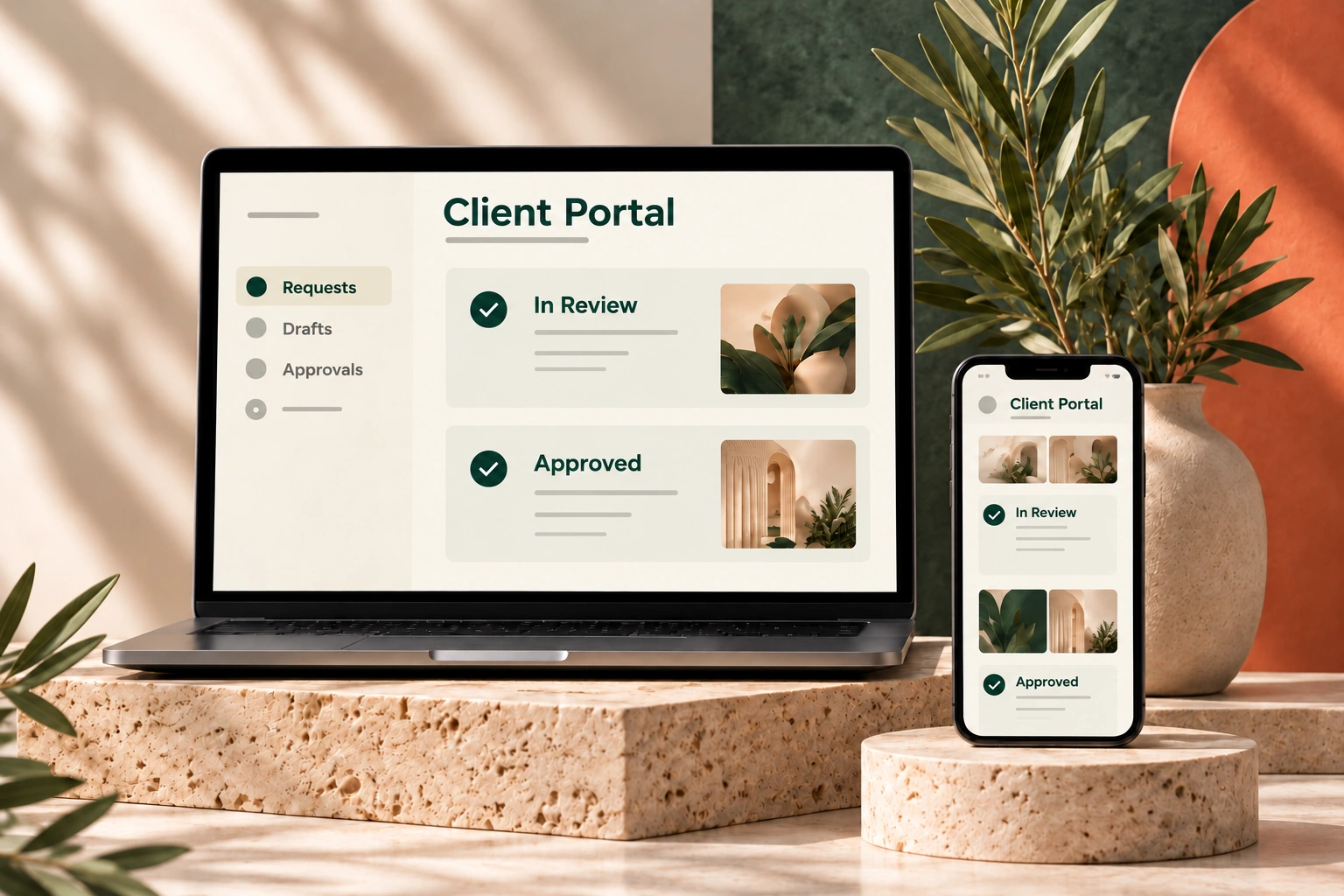
Bring tasks from different emails and messages together in a client area designed around your needs.
What We Handle
We agree which requests you can submit, which drafts you need to see and how content is approved. This becomes a simple portal with the functions you actually need.
Share tasks, files and sources in one agreed place.
Enquire About This ServiceView prepared content and request changes.
Enquire About This ServiceApprove checked copy, images and pages for implementation.
Enquire About This ServiceView the current status, publishing plan and reports.
Enquire About This ServiceAn Example
A clinic uploads a recording for a new website article. It reviews the draft in the portal, requests a correction or approves the content. After publication, the current status is visible there.
How We Work
Describe the task and share the necessary information.
We prepare the agreed draft for your review.
Share feedback or approve the content.
We implement the approved content as agreed.
Working Together
Information about the users, tasks to be tracked and functions you need.
A client area for requests and approvals that fits your business. We handle the technical preparation and the agreed work.
Scope: Functions and access roles are defined for each project. Ongoing support can begin with an enquiry form, with a portal added later.
Tell us briefly where you need support. We review your enquiry and suggest the next steps that fit.
Start a Project →